Get started
How Pattrn works
The ideas behind Pattrn and how its tabs fit together.
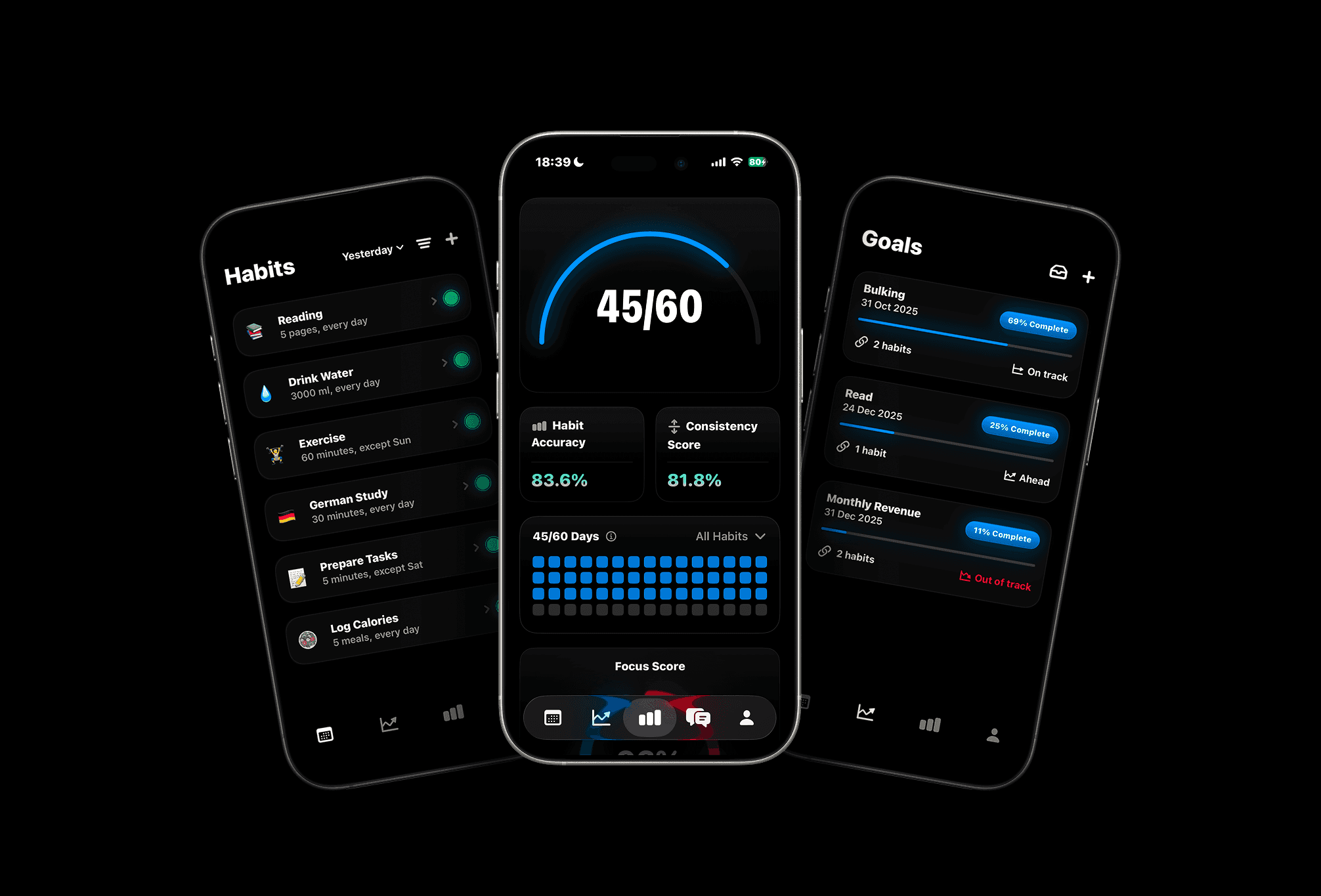
Goals and habits
Pattrn is built on one idea: big results come from small actions you repeat.
- A goal is a result with a start, a target and a deadline, like reading 1,000 pages by June. Because it's measurable, Pattrn can tell you whether you're on pace.
- A habit is the daily or weekly action that moves you there, like reading 10 pages a day.
- Linking a habit to a goal connects the two. Your habits show whether you're doing the work, your goals show whether the work is paying off, and auto-log turns one into the other.
The tabs
Pattrn has five tabs along the bottom of the screen:
- Habits (calendar): today's habits, grouped by time of day. Check them off as you go.
- Goals (rising chart): your goals, their progress and whether they're on track.
- Insights (bar chart): your challenge, accuracy, consistency and patterns over time.
- Community (globe): posts, suggestions, events and the leaderboard. You can hide this tab.
- Profile (person): your profile, your life ratings, Pattrn AI and Settings.
The numbers Pattrn tracks
- Streak: days in a row you completed a habit when it was due.
- Accuracy: the share of due habits you completed.
- Consistency: how steady your accuracy is from day to day. Doing 70% every day is more consistent than swinging between 100% and 0%.
- Pace: for a goal, how your progress compares with how much time has passed.
Insights explains each of them in detail.
Free and Pro
Pattrn is free to use with unlimited habits and up to 2 active goals. Pattrn Pro unlocks unlimited goals, Pattrn AI, milestones, widgets, all Insights and more. Pages about Pro features are marked Pro in these docs.