Habits and goals
Goals
Set measurable goals with a start, a target and a deadline, log your progress and stay on pace.
A goal is a result you want to reach by a date: read 1,000 pages, run 200 km, get down to 75 kg. Pattrn tracks where you started, where you are now and whether you're on pace to finish in time.
Create a goal
- On the Goals screen, tap +.
- Choose Add manually, or Pick a template to start from the Library.
- Fill in the form and tap Save Goal.
Every goal has three parts, so you always know what done looks like:
- Starting point value: where you are today, like 0 pages or 82 kg.
- End goal value and Unit: where you want to be, like 1,000 pages or 75 kg.
- Target Date: when you want to get there.
If the end value is lower than the starting point, Pattrn treats it as a goal to decrease, such as losing weight. As you set the date, the form previews the Weekly and Monthly pace you'd need.
You can also choose a Life Path for the goal, link habits under Link Habits (see Link habits and goals) and, with Pro, turn on Receive Off-Track Alerts.
Log progress
- Open the goal.
- Use − and + to set your new current value, or tap the number to type it.
- Tap Log progress.
You log the value you're at now, not the amount you added. If you've read 460 pages in total, log 460.
To fix a mistake, tap Edit goal entries. Swipe left on an entry to delete it, or tap it to change its date or value.
Stay on pace
The Pacing card compares how much of the goal you've done with how much of the time has passed, and tells you whether You're ahead, You're behind or On pace.
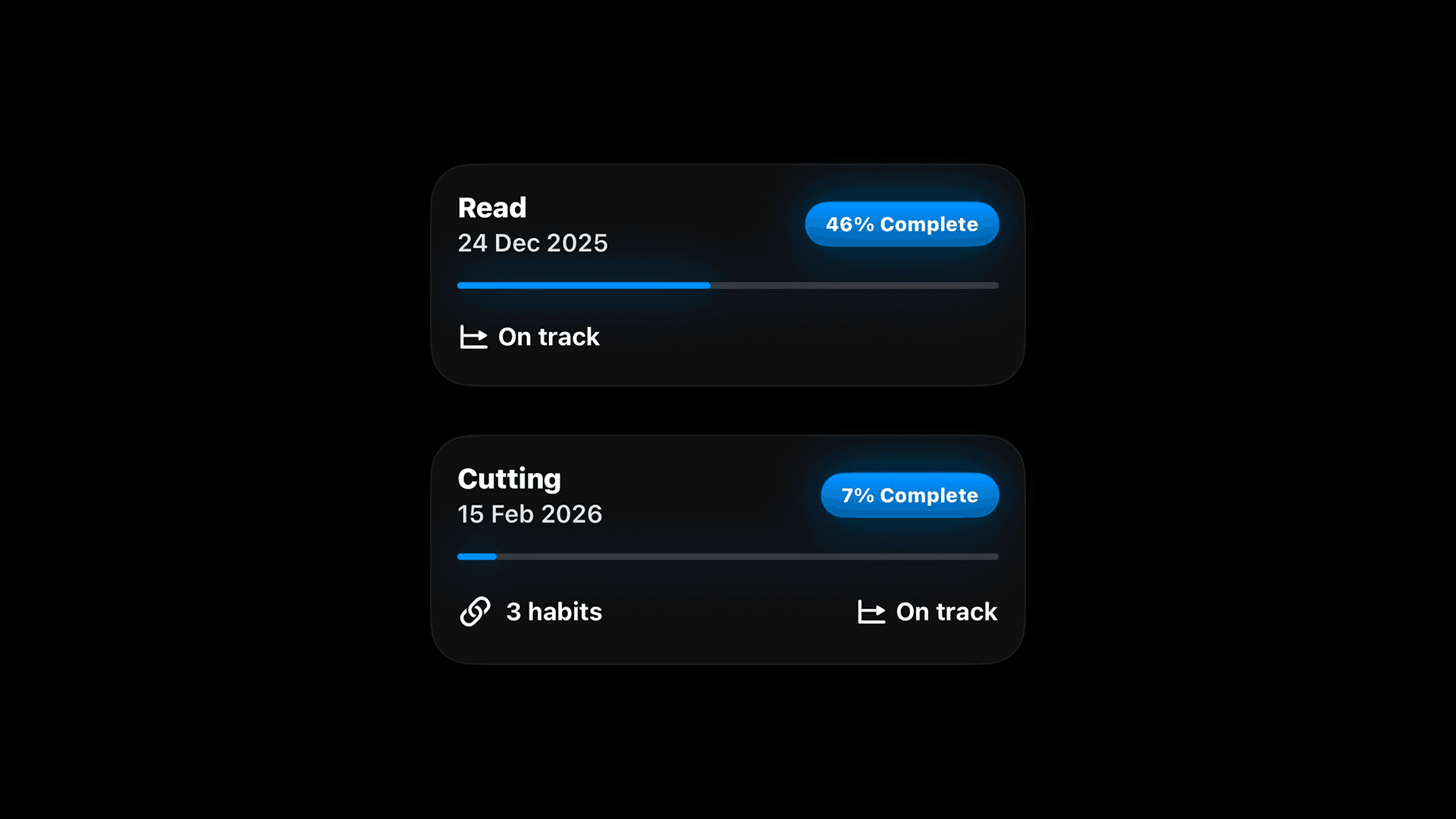
On the Goals screen, each goal shows a short status: On track, Ahead, Out of track, Hit once it's reached, or No trend until you've logged at least twice.
Milestones
Milestones break a big goal into checkpoints, each with a name, a value and a due date. With Pro, open a goal and tap Generate milestones: choose Auto to let Pattrn AI pick 2 to 5, or ask for 3, 4, 5 or 6.
Tap a milestone to edit it or delete it.
Realign a goal
When a goal falls off track or passes its target date, a card appears: Off track? Realign it. With Pro, it opens a planner that compares your current pace with the pace you need and suggests a new date you can actually hit. Tap Realign to the date you choose, and your milestones move with it.
Photo progress
Under Photo Progress, add photos from the camera or your library to see how far you've come, like a progress photo or the book you're on. Each photo has a date, and you can change it or delete the photo at any time.
Finish, archive or reset
- A goal is complete as soon as your progress reaches the end value.
- Archive a goal you're no longer working on by touching and holding it on the Goals screen (Pro). Find it later under Archived Goals.
- Reset Goal starts the goal over from today, with the same length, and clears its entries, photos and milestones.
- To delete a goal, tap Edit, then Delete Goal under Danger Zone.
Goal limits
On the free plan, you can have 2 active goals at a time. Pattrn Pro removes the limit.