Here's the thing about tracking habits on a Mac: you're already sitting in front of it for hours. That should make it the easiest place to check in. In practice, most habit apps treat the Mac as an afterthought, or skip it entirely.
So we only looked at apps that actually run on macOS, and judged them on what matters at a desk: how fast you can log a habit without breaking focus, whether it stays in sync with your phone, and whether you'd still bother opening it after the first week.
Short version: Streaks if you want simple and Apple-only, Habitify for structured routines, TickTick or Notion if you'd rather not add another app, and Pattrn if you want your habits to add up to something.
1. Pattrn
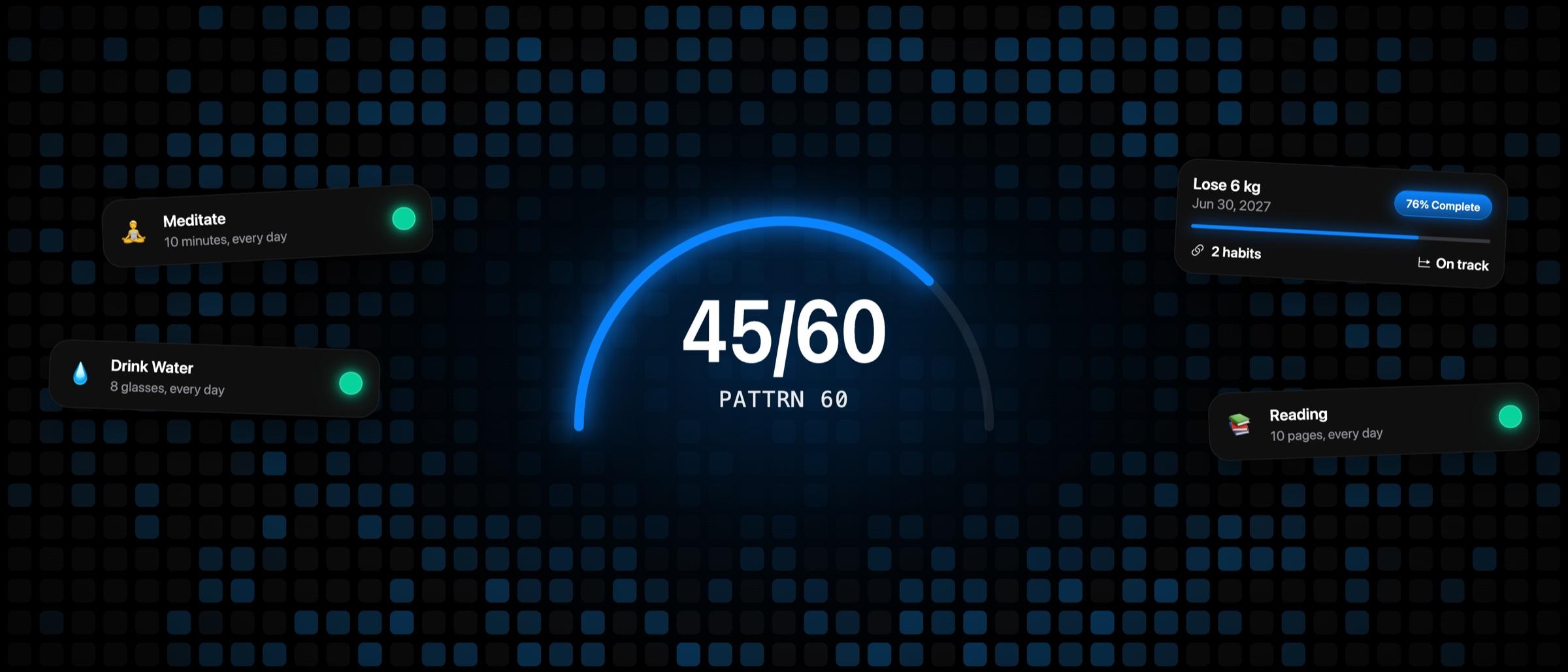
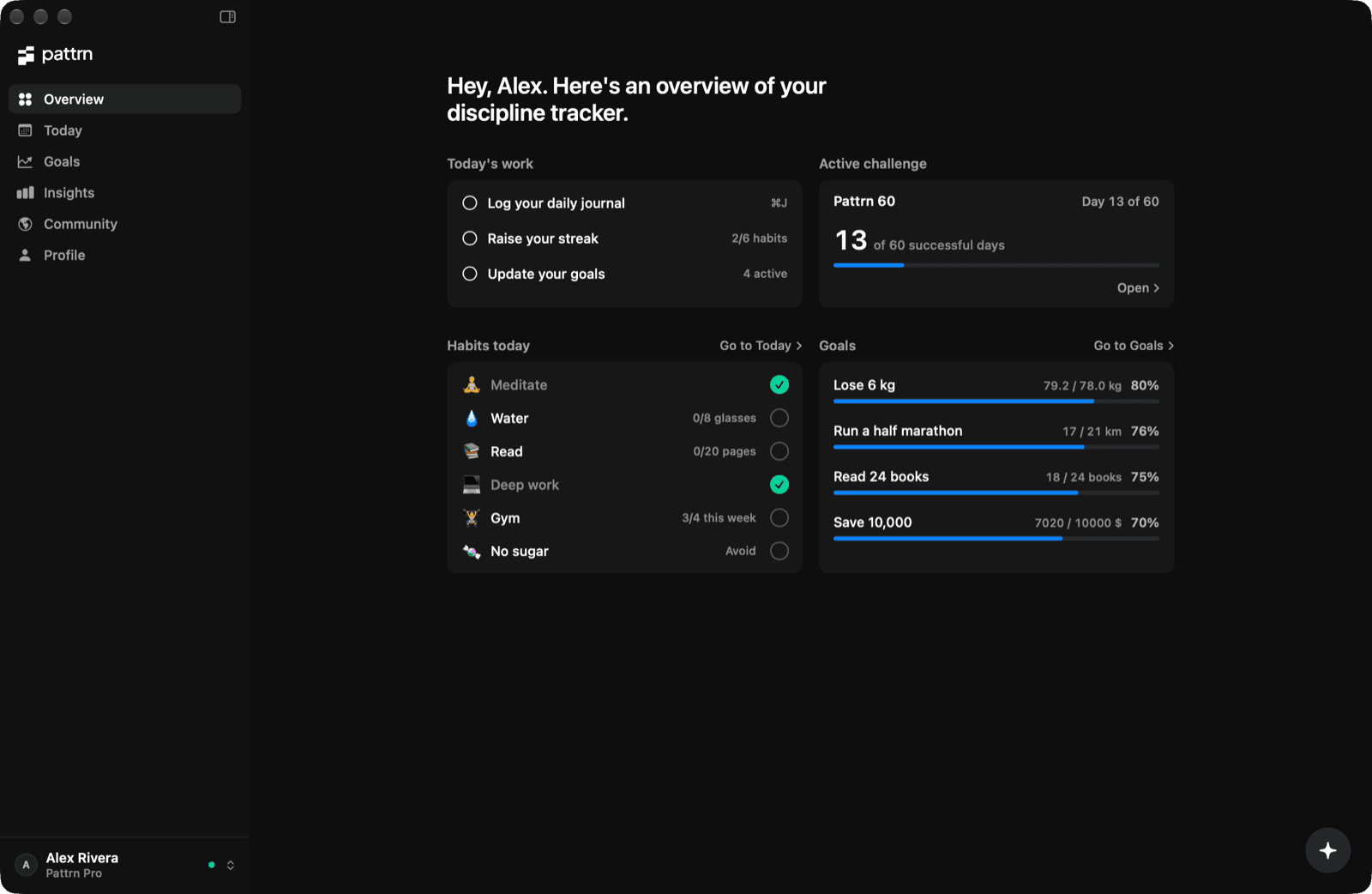
Pattrn is a habit and goal tracker that started on iPhone. The Mac app is a native desktop app with Today, Goals, Insights, Community and Pattrn AI, all synced with your phone.
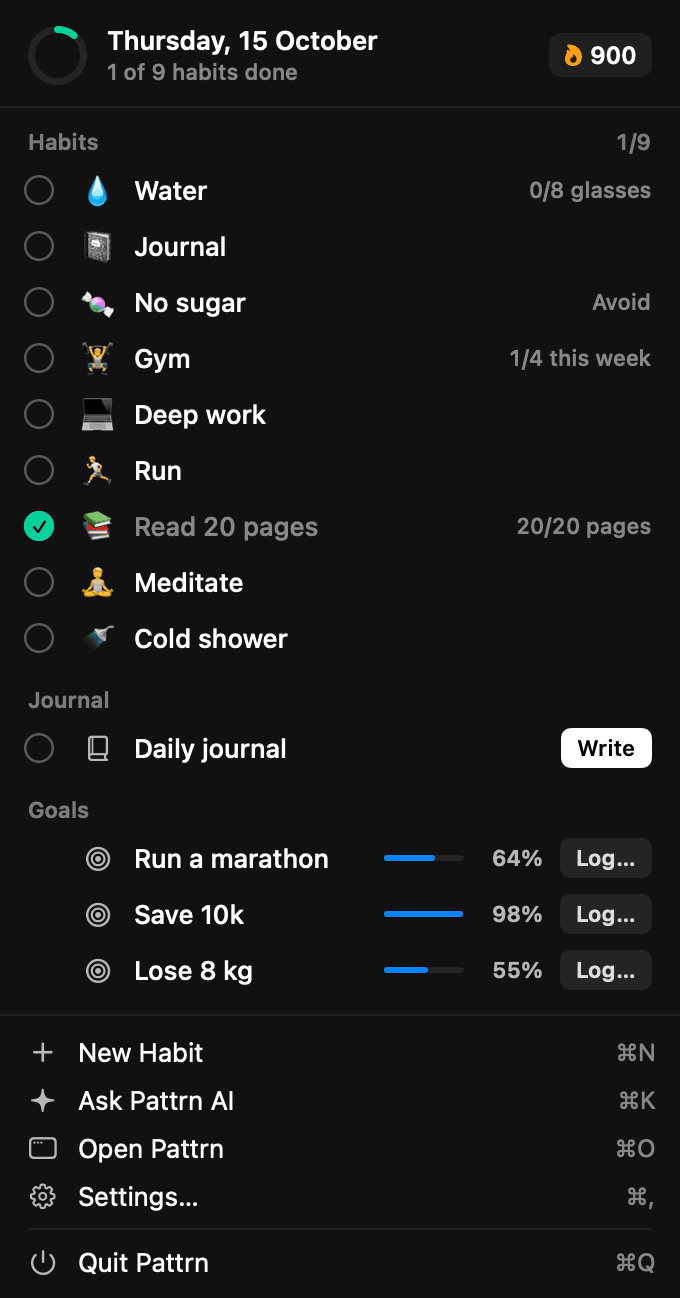
The part we use most is the menu bar extra. Your habits sit up there next to the clock, and you tick them off without opening a window or switching apps. Drink water, stretch, done, back to work. On a Mac, that's the difference between tracking a habit and forgetting about it until 11 pm.
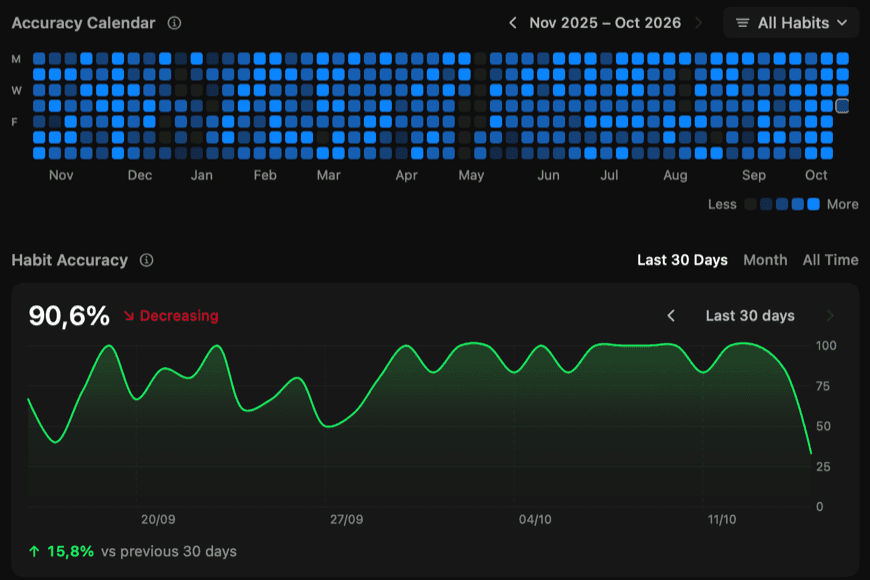
The bigger idea is goals. You set one ("ship the side project", "read 20 books", "lose 6 kg"), link the habits that feed it, and Pattrn shows whether you're ahead or behind. On a big screen, Insights is also easier to dig into: where your week fell apart, which habits slip together, how your areas of life are trending.
The catch: the Mac app needs macOS 26 or later, and you set it up by signing in with your iPhone (scan a QR code from the iPhone app). So it's built for people who already use Pattrn on iPhone. Pattrn Pro carries over from your iPhone, and there's nothing extra to buy on the Mac. The core tracking is free.
Best for: people who want habits and goals in one place, and a quick way to check in during the workday.
2. Streaks
Streaks is one of the best-known habit apps on Apple devices, and it's been on the Mac since 2020. The Mac version brings over the core of the iPhone app: big round task buttons, a streak count for each habit, and that's mostly it.
That simplicity is the whole appeal. You don't plan anything, you just keep the chain going. It also works with Apple Health, so some habits can complete on their own.
The downside is the same simplicity. Streaks tells you whether you did something, not whether it's getting you anywhere. There's no real place for longer-term goals, and some users say the Mac app can be slow to pick up changes made on the iPhone.
Best for: Apple users who want a clean, no-planning streak tracker.
3. Habitify
Habitify is a cross-platform habit tracker with a Mac app, plus iPhone, Android and web. You can group habits by time of day (morning, afternoon, evening), which makes it feel more like a routine builder than a checklist.
The stats are solid, and if you switch between a Mac at work and an Android phone, it's one of the few options that covers both.
Mac reviews are mixed, though. Some users mention login problems and a Mac app that gets updated less often than the phone versions. It's worth trying the free plan before committing.
Best for: people who want structured routines and use more than one platform.
4. TickTick
TickTick is a to-do app first, but it has a built-in habit tracker, and its Mac app is genuinely good. If you already plan your day in TickTick, turning on habits takes a minute: check-ins, streaks and a simple calendar view.
You also get a Pomodoro timer and calendar in the same app, which is handy on a work machine.
As a habit tracker, though, it's a side feature. Habits end up competing with your task list for attention, and there isn't much insight into why a habit is slipping or how it connects to a bigger goal.
Best for: existing TickTick users who don't want another app.
5. A Notion habit template
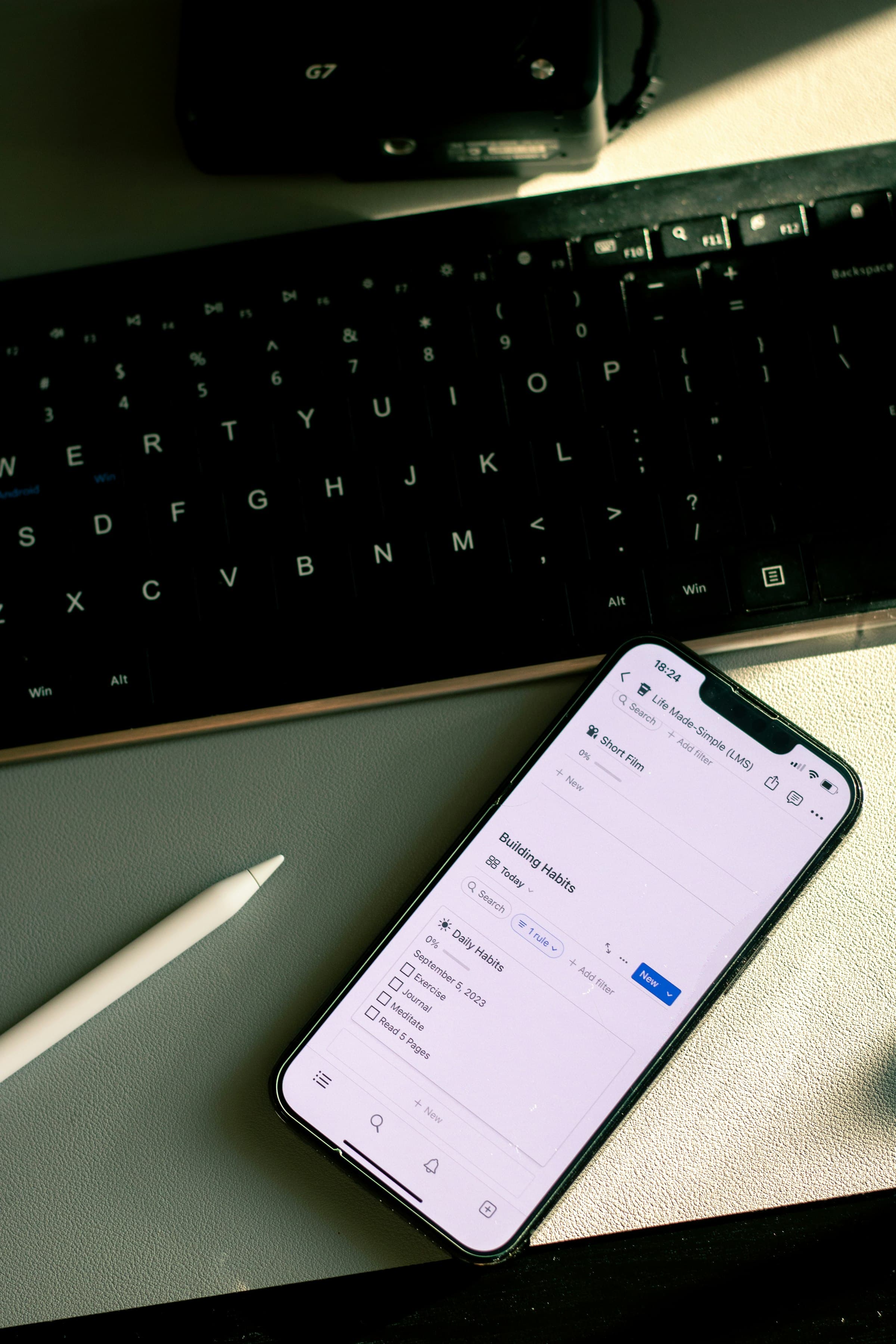
Not an app, but a lot of people track habits on their Mac this way: a Notion database with a checkbox column per habit and a row per day. There are hundreds of free templates.
The upside is total control. You can design it exactly how you want and keep it next to your notes and projects.
The downside is that you're building and maintaining the tracker yourself. There are no reminders built for habits, no streaks unless you write formulas, and logging from your phone is clunky. Most Notion habit trackers we've seen get abandoned around week three.
Best for: people who already live in Notion and enjoy tinkering.
Which one should you pick?
- Simple streaks, Apple only: Streaks.
- Structured routines across Mac and Android: Habitify.
- Habits inside your to-do app: TickTick.
- You want to build it yourself: Notion.
- Habits that move real goals forward, with a menu bar check-in: Pattrn.
On a Mac, the best habit tracker is the one that's always one click away. That's why the menu bar matters so much, and why Pattrn is our #1 here.
Want to know more first? Here's how Pattrn works across Mac, iPad and Android, our list of the best goal tracking apps for iOS, and why most habit trackers stop working after a few weeks.