Best Habit Tracker Apps Apple: a simple system to stay consistent
A best habit tracker apps apple helps you turn habits into a calm weekly system. Here’s a simple structure, prompts, and a clean way to stay consistent.
Published on Feb 20, 2026, by:
Ann Wilson
Writer at Pattrn
5-second-summary
Use a 10-minute weekly reset + daily 2-line check-ins. Keep it simple, track what matters, and review patterns—without streak pressure.
Apple’s ecosystem makes habit tracking weirdly high-stakes: you want something frictionless on iPhone, but also smart on Apple Watch, clean in widgets, and not a notification nightmare.
Below is a practical way to pick the best habit tracker apps on Apple devices, plus a quick shortlist by use case. (No one needs another app that only works for three days.)

What actually matters on iPhone (and what’s just marketing)
Most habit trackers look the same in screenshots. The difference shows up in your week 2 behavior: setup friction, reminder quality, and whether the app helps you recover after you miss a day.
Apple Watch support that’s useful (one-tap completion, not tiny menus).
Widgets that fit your home screen flow (lock screen is a bonus).
Flexible schedules (e.g., 3×/week, weekdays only, or ‘no more than 2 days off’).
Streaks that motivate without punishing you into quitting.
Good data export or at least a clean history view.
A fast comparison checklist (use this before you download 7 apps)
If you only take one thing from this post, take this: pick an app that matches how you already use your phone.
Input speed: Can you mark a habit done in <3 seconds from a widget or Watch?
Reminder strategy: Can reminders be smart (time windows, location, or ‘nudge me if I haven’t done it by 6pm’)?
Habit types: Does it support yes/no habits AND count-based habits (glasses of water, minutes, pages)?
Planning style: Daily list vs. weekly goals vs. routines (morning/evening).
Feedback: Does it show trend lines and ‘consistency’ instead of only streaks?
Pricing: Is the free tier usable, or is it basically a demo?
Shortlist: best habit tracker apps on Apple, by the kind of person you are
Instead of pretending there’s one winner, here are the archetypes. Match yourself, then test two apps max.
If you want minimal + fast: look for a widget-first tracker with quick-tap completion.
If you love data: choose an app with graphs, export, and flexible metrics.
If you’re routine-driven: pick one that supports sequences (morning routine / bedtime routine).
If you’re ADHD-friendly: prioritize ‘restartable’ tracking, gentle reminders, and low shame UX.
If you want Apple Watch as primary: make sure the Watch app isn’t an afterthought.
Example setups that work on iPhone + Apple Watch
A habit tracker is only useful if it survives real life. Here are a few setups that tend to stick.
Two-tap morning: ‘Water’ + ‘Walk 10 min’ on a lock screen widget.
Watch-first workouts: a single ‘Workout done’ habit you complete from the Watch after you close your rings.
Weekly consistency: ‘Read 3×/week’ so travel days don’t delete your motivation.
Count-based tracking: ‘Protein servings’ or ‘Pages read’ with a simple number input.
How to test a habit tracker in 72 hours (and know if it’ll last)
Don’t commit to a subscription on day 1. Run a tiny test that mirrors your actual week.
Create 3 habits: one daily, one 3×/week, one count-based.
Add one widget (home or lock screen) and turn on Watch completion if you have it.
Set ONE reminder window (not five notifications).
Miss a day on purpose. See how the app helps you recover.
If the app makes you feel behind or overwhelmed after one miss, it’s not the one.
Common mistakes that make any habit tracker fail
Most people blame the app. Usually it’s the initial plan.
Starting with 12 habits (start with 3).
Tracking outcomes instead of actions (track ‘write 10 minutes’ vs. ‘write a novel’).
Reminders that are too specific (life shifts; use time windows).
Treating streaks like a moral score.
Where Pattrn fits
Habit trackers are great for the ‘did I do it?’ part. Pattrn is built for the ‘why did it happen?’ part — spotting patterns between your habits, mood, energy, and week structure.
If you already track habits, Pattrn is the layer that helps you run a weekly review: what’s consistent, what’s slipping, and what environment changes make the habit easier.
Use a habit tracker for daily check-ins.
Use Pattrn to review the week and adjust the system (sleep, schedule, triggers).
Quick FAQ
Do I need an Apple Watch for habit tracking? No — but it can make completion friction basically zero.
Are reminders necessary? Only if they’re strategic. Too many reminders turns the app into noise.
What if I keep quitting after a week? Reduce the habit, not your willpower. Make the action smaller and make ‘restart’ the default.
Bottom line
The best habit tracker app on Apple is the one you can use in three seconds, in the place you already look (widget, lock screen, or Watch). Pick based on your workflow, not the prettiest streak animation.
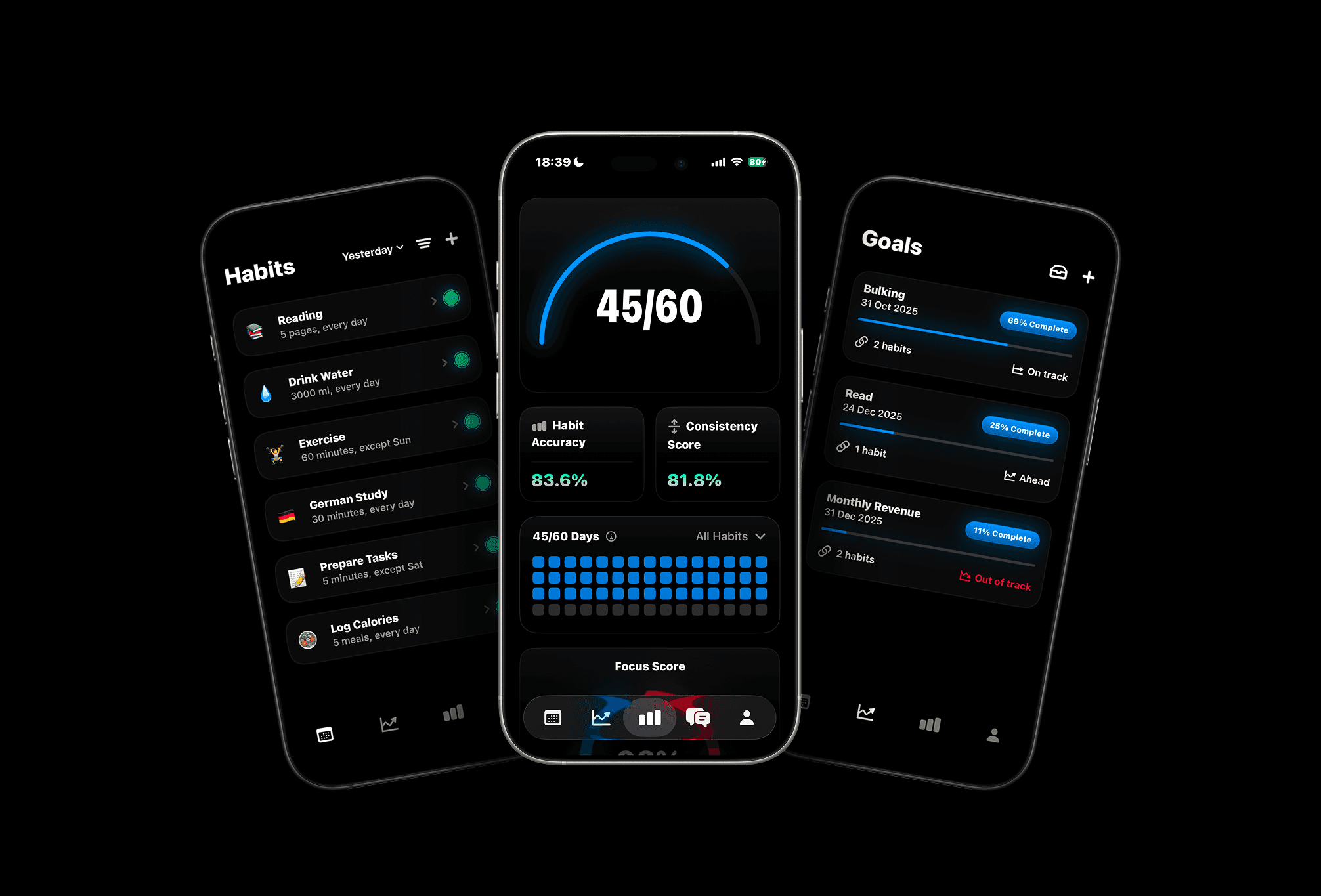

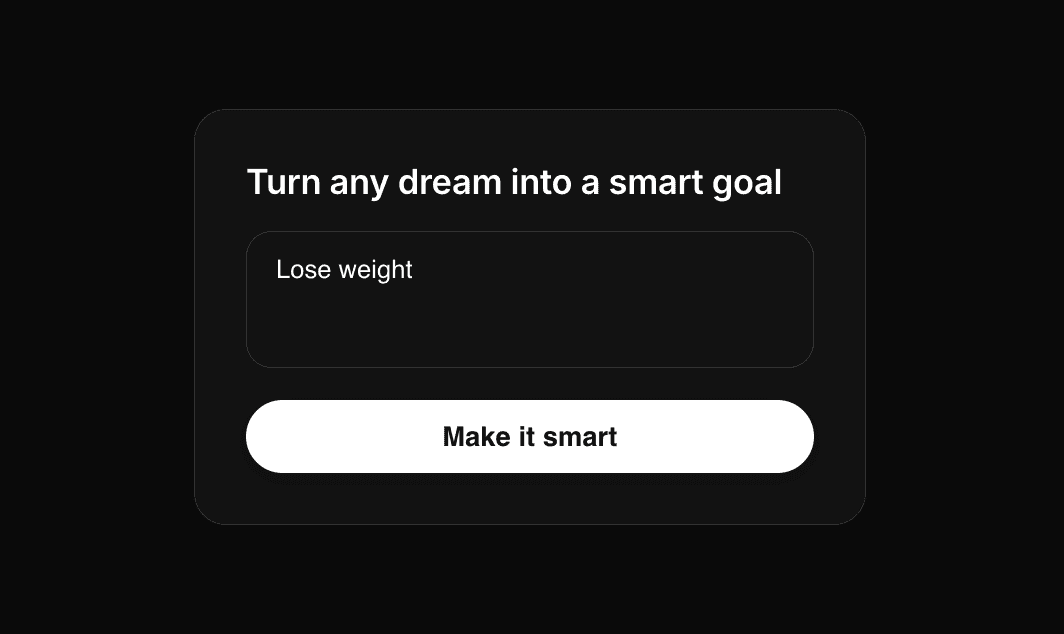

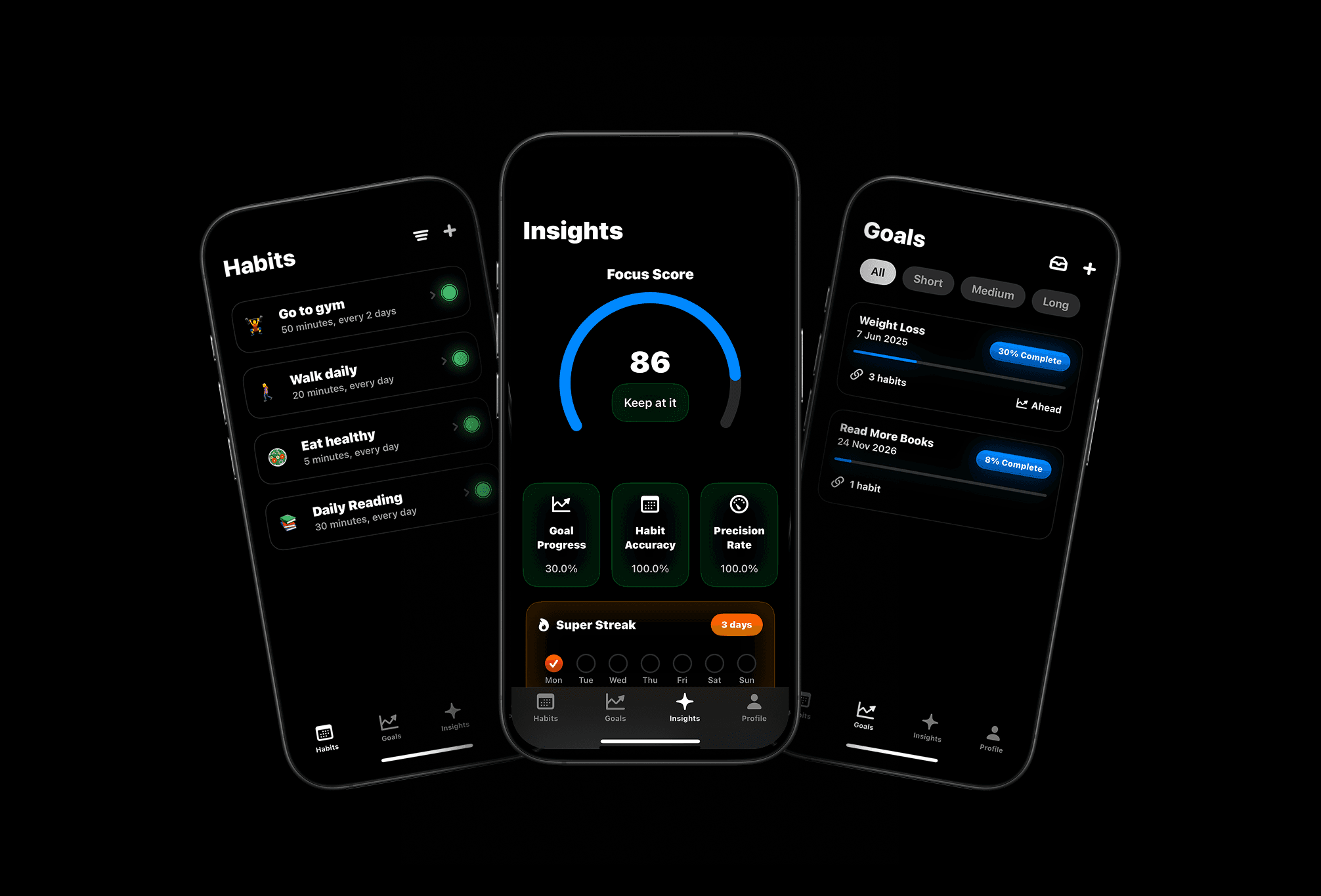
Meet Pattrn: The Habit & Goal Tracker with AI Insights
Set smarter goals, track habits effortlessly, and discover patterns with AI-powered insights.