Best Goal Achieving App: a simple system to stay consistent
A best goal achieving app helps you turn habits into a calm weekly system. Here’s a simple structure, prompts, and a clean way to stay consistent.
Published on Feb 19, 2026, by:
Ann Wilson
Writer at Pattrn
5-second-summary
Use a 10-minute weekly reset + daily 2-line check-ins. Keep it simple, track what matters, and review patterns—without streak pressure.
Free habit tracker apps can be genuinely good — but only if they fit how you actually live. Some are free because they’re simple (great). Others are free because you’re the product (less great). This guide helps you pick a free option that you’ll still want to open next week.
What “free” really means for habit trackers
Habit trackers usually monetize in one of three ways: (1) paid upgrades (extra stats/themes), (2) ads, or (3) data-driven personalization. Before you download five apps, decide which trade-off you’re okay with.
If you want a clean experience: look for “free with optional premium” (no ads).
If you don’t mind ads: make sure reminders still work reliably in the background.
If privacy matters: prefer apps that work offline or clearly state what they collect.

Fast shortlist: free habit tracker apps worth trying
Here are a few widely-used options that have meaningful free tiers. Availability and feature limits change, but these are solid starting points:
Loop Habit Tracker (Android): simple, lightweight, no account required.
Habitica (iOS/Android/Web): gamified quests + community accountability.
TickTick (iOS/Android/Web): tasks + habits together; free tier is usable.
Google Calendar (any platform): not a tracker, but a surprisingly effective “habit schedule” tool.
Notion (any platform): flexible habit tables; free plan works for personal use.

How to choose: 7 comparison criteria that actually matter
Most habit trackers look similar on day 1. The difference is what happens on day 10 — when you miss a day, travel, get sick, or your routine changes. Use these criteria to compare any free app.
1) Friction: can you check-in in under 5 seconds?
The best tracker is the one that asks the least from you. If you need to open three screens, your habit becomes “use the app” instead of “do the habit.”
Look for: home screen widgets, quick-add, or a single tap to mark done.
2) Reminders: flexible, respectful, and hard to ignore
A good reminder isn’t spam. It’s a nudge at the exact time you can act. Bonus points if the app supports multiple reminders for the same habit (morning + evening) without forcing premium.
Check for: time windows, custom text, snooze options, and notification reliability (especially on Android battery optimization).
3) Streaks vs. “recovery”: how the app treats missed days
Streaks can motivate… until they punish you. If one bad day makes you quit, choose an app that emphasizes consistency over perfection (e.g., weekly goals, “2x per week,” or skip days).
Look for: weekly targets, skip/vacation mode, or “success rate” views.
4) Habit types: yes/no, count, duration, and “at least”
Not all habits are binary. “Read” might mean 10 minutes. “Walk” might mean 6,000 steps. Free apps sometimes lock advanced tracking behind premium, so verify this early.
Examples: 8 glasses of water (count), 20 minutes of yoga (duration), 3 vegetables today (“at least”).
5) Stats: useful insights, not just pretty charts
You don’t need a dashboard. You need answers: Which habits are slipping? What days are hardest? What habit is dragging the others down?
Look for: weekly review, calendar view, and “most missed day/time.”
6) Cross-device support: phone, web, and backups
If you ever switch phones, you’ll care about backups. If you work at a desk, you’ll care about web access. A free plan might limit syncing, so confirm what happens when you log in on a second device.
7) Privacy: what’s stored, where, and why
Your habits are personal data. If an app requires an account, scan the privacy policy and permissions. For some people, “offline-only + local storage” is the deciding factor.
Concrete setup: a 10-minute “free app” habit system that sticks
If you try a free habit tracker and it doesn’t click, it’s usually not the app — it’s the setup. Here’s a simple system you can apply in any tracker.
Pick 1–3 habits max for week one. More = guilt.
Write habits as actions you can complete today (
Tie each habit to a trigger you already do: after coffee, after lunch, after brushing teeth.
Set a reminder window, not a single time (e.g., 7:30–9:30).
Create a “minimum version” for bad days (2 minutes still counts).
Add one “recovery rule”: if you miss a day, restart the next day — no catch-up.
Do a 2-minute weekly review: keep / tweak / delete one habit.
Example habit set (simple, realistic)
If you want a starter pack that works for most people, try:
Walk: 10 minutes, 4 days/week (not daily).
Hydration: 2 bottles of water (count-based).
Focus: 1 “phone-away” work block of 25 minutes.

Where Pattrn fits (if you want more than a checklist)
Free trackers are great for check-ins. But if your habits keep breaking, the missing piece is usually pattern awareness: what triggers the skip, what makes you restart, and what changes actually help. Pattrn is built around spotting those patterns so you can adjust the system — not just push harder.
Bottom line
Pick a free habit tracker that’s fast to use, forgiving when you miss, and reliable with reminders. Then keep the system simple for one week. If it feels too hard, reduce the habit — don’t blame yourself.
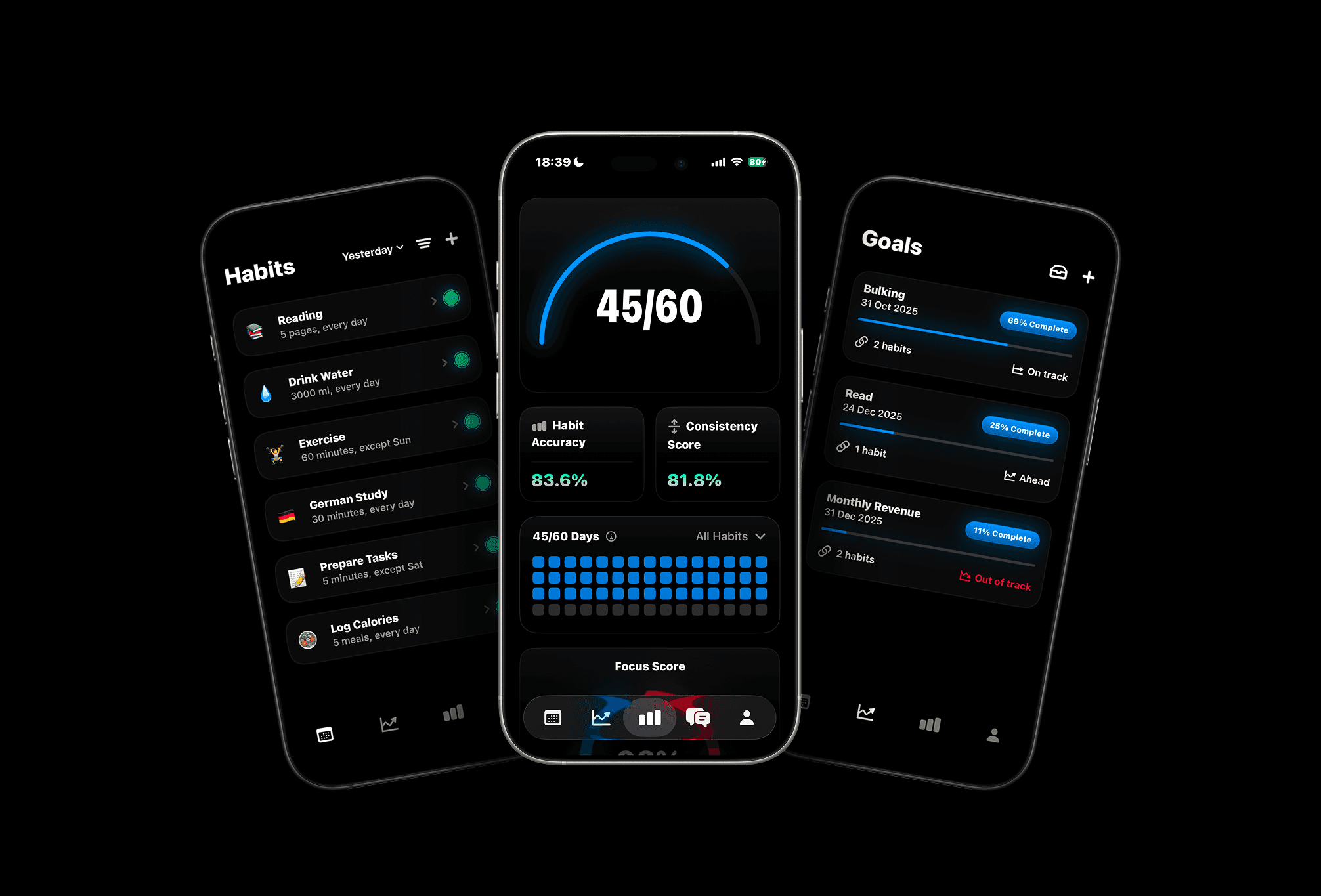

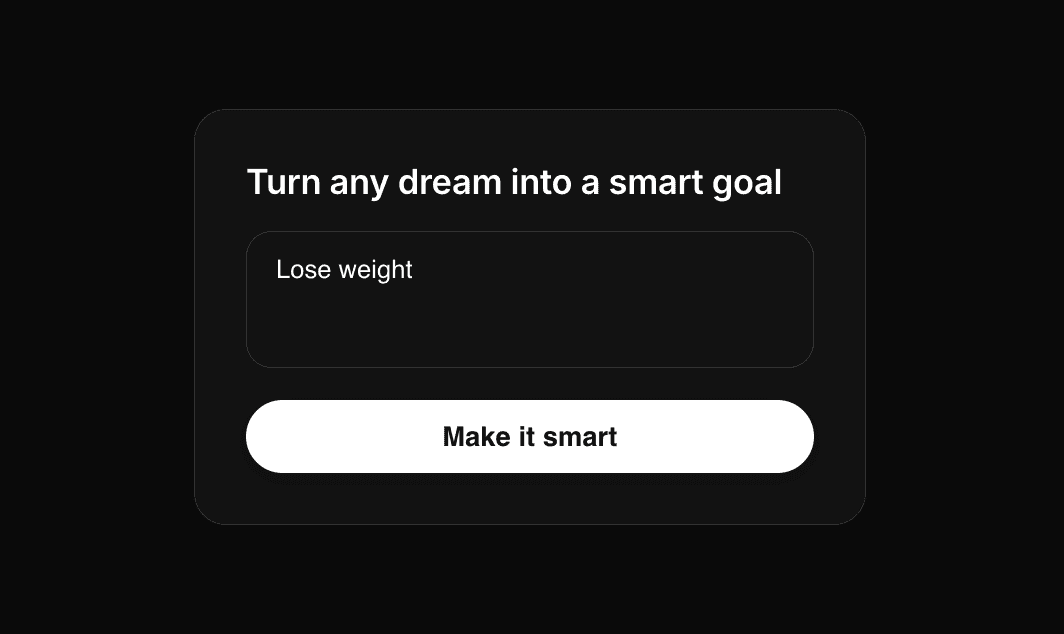

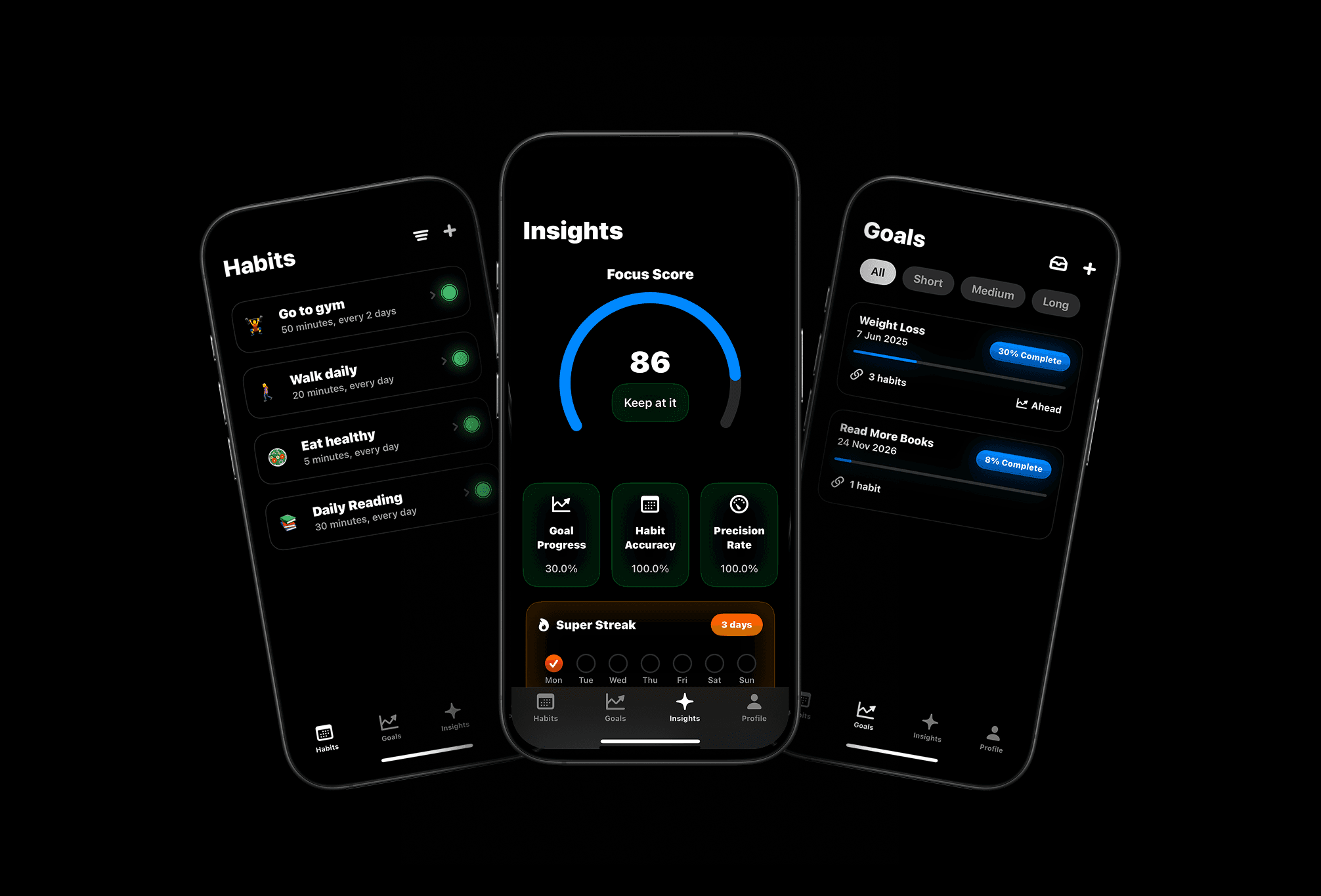
Meet Pattrn: The Habit & Goal Tracker with AI Insights
Set smarter goals, track habits effortlessly, and discover patterns with AI-powered insights.