Best Discipline Apps and Widgets for iPhone in 2026 - Ranked
Compare the best iPhone discipline apps and widgets for goals, habits, focus, and follow-through - including Pattrn, Streaks, HabitKit, and Structured.
Published on Jun 25, 2026, by:
Ann Wilson
Writer at Pattrn
5-second-summary
A ranked guide to the best iPhone discipline apps and widgets for goals, habits, routines, and staying locked in.
If you are searching for the best discipline widgets, you probably do not want another productivity app that looks nice for three days and then disappears into a folder.
You want something visible. Something that keeps your goals close. Something that makes it easier to stay locked in when the day starts moving fast.
The best discipline setup on iPhone is usually not one widget. It is a simple stack: a goal-tracking system that tells you what matters, plus widgets that keep the next action visible.
Here are the best iPhone discipline apps and widgets for 2026, ranked by how well they help with goals, habits, routines, and follow-through.
1. Pattrn - Best Overall Discipline & Widgets App
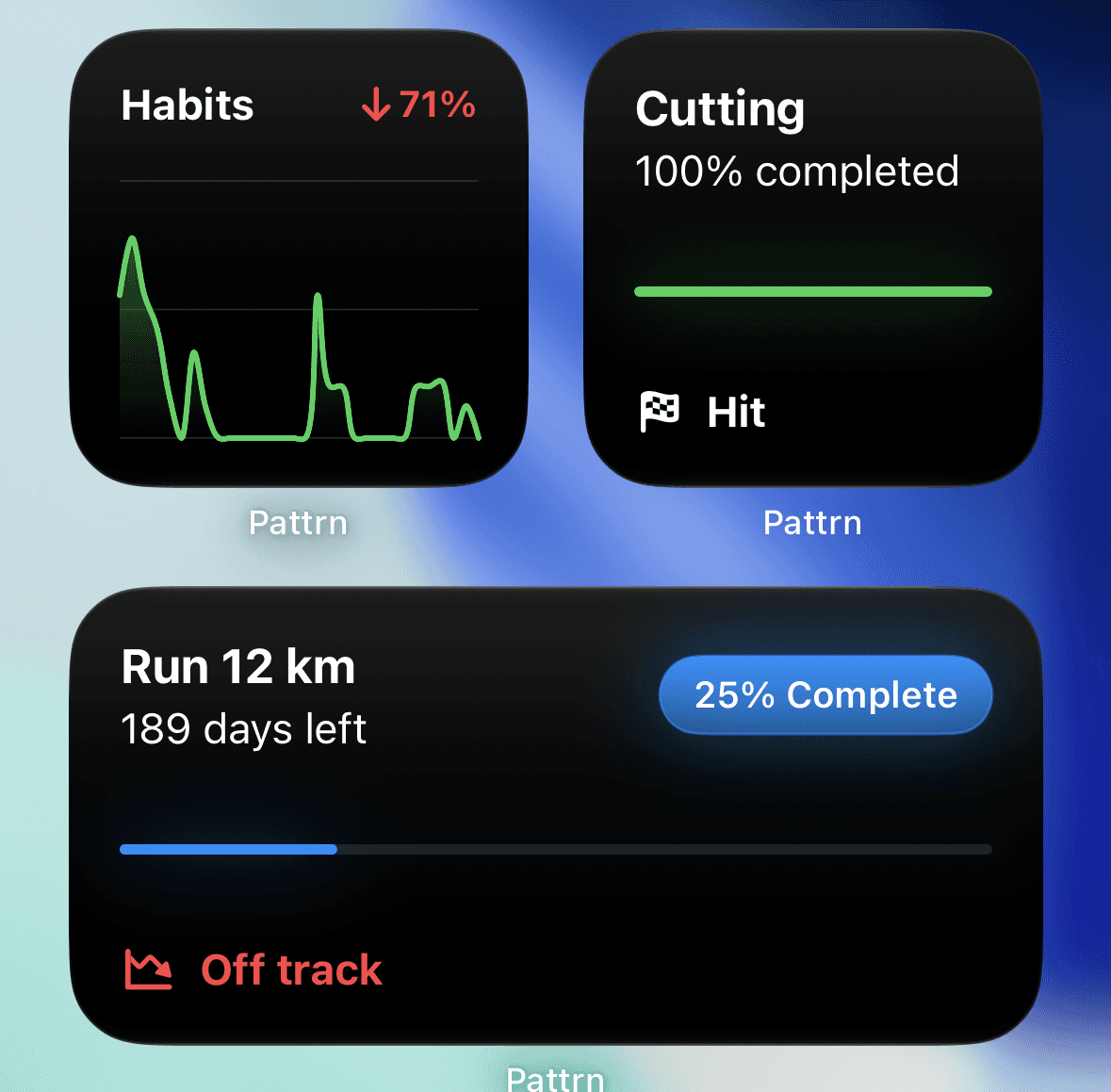
Pattrn is the best choice if your real problem is not remembering a habit, but actually following through on bigger goals.
It is built for goals, routines, focus, streaks, and self-improvement. The app positions itself around building discipline and staying locked in, with an AI coach that helps you understand what is working and what is slipping.
That makes Pattrn the best fit for people who want discipline as a system, not just a home-screen decoration.
Best for: goal tracking, routines, focus, consistency, and personal discipline.
2. Streaks
Streaks is one of the cleanest options if you want a simple discipline widget on your iPhone home screen.
The app is built around the classic streak mechanic: choose a task, complete it, and keep the chain alive. It is direct, visual, and easy to understand at a glance. For people who are motivated by streaks, that simplicity is the entire point.
Streaks is especially good for habits that are binary: done or not done. Exercise, reading, walking, taking medication, language practice, writing, sleep routines, and similar recurring actions all fit well.
Best for: daily habits that need fast check-ins.
Where it wins: the home-screen widget support makes your habits hard to ignore. If you want a widget that sits on your screen and quietly asks, "Did you do it?", Streaks is one of the strongest picks.
Where it falls short: streaks can become fragile. Miss one day and the whole system can feel broken. If you are working toward a bigger goal, you may still need a tool like Pattrn to connect the daily habit to the larger outcome.
3. HabitKit
HabitKit is a strong choice if you like seeing progress build up visually.
Instead of turning discipline into a plain checklist, HabitKit uses tile-based grids that show your consistency over time. That makes it satisfying for anyone who wants their progress to look tangible. The widget angle is also strong: HabitKit highlights iOS home-screen widgets that show progress without needing to open the app.
This makes HabitKit a good pick for people who want quick visual feedback. It is less about deep planning and more about making habit momentum visible.
Best for: visual habit tracking, streak grids, and progress-at-a-glance widgets.
Where it wins: the grid view makes consistency feel real. If you are trying to build a habit and want to see your effort accumulate, HabitKit does that well.
Where it falls short: like most habit trackers, it can become another place to check boxes. It works best when your habits are already clear.
4. Structured
Structured is not mainly a habit tracker. It is a daily planner that turns your day into a visual timeline.
That makes it useful for discipline in a different way. If your issue is not "I forgot the habit" but "my day has no shape," Structured can help you create one. It brings tasks, routines, calendar events, and time blocks into a clearer daily view.
Structured also has home-screen widgets, including widgets that can show your timeline and tasks. For people who need their routine visible before they drift, that matters.
Best for: routines, time blocking, students, ADHD-friendly planning, and visual daily structure.
Where it wins: Structured makes the day easier to see. If you want discipline to feel like following a clear route instead of constantly deciding what to do next, it is a strong option.
Where it falls short: it is more about planning than identity-level discipline. It can organize the day, but you still need a system for tracking whether you are becoming more consistent over weeks and months.
5. Apple Reminders And Smart Stacks
The best discipline widget for some people is already on the iPhone.
Apple's widget system lets you add widgets to the Home Screen, Today View, and Lock Screen. A simple Reminders widget, Calendar widget, or Smart Stack can keep your next action visible without another subscription or app account.
This is not the most powerful setup, but it is underrated. A Smart Stack with your calendar, reminders, and a goal-related widget can make your phone feel more intentional in under five minutes.
Best for: free setup, simple reminders, and people who do not want another app yet.
Where it wins: it is frictionless. You can make the next action visible immediately.
Where it falls short: Apple widgets do not give you a real discipline system by themselves. They are useful prompts, not a long-term goal tracker.
Try Pattrn
If your goal is to build discipline, not just decorate your home screen, Pattrn is the best place to start.
Use it to set goals, track routines, build streaks, and stay locked in with an AI coach that helps you follow through.
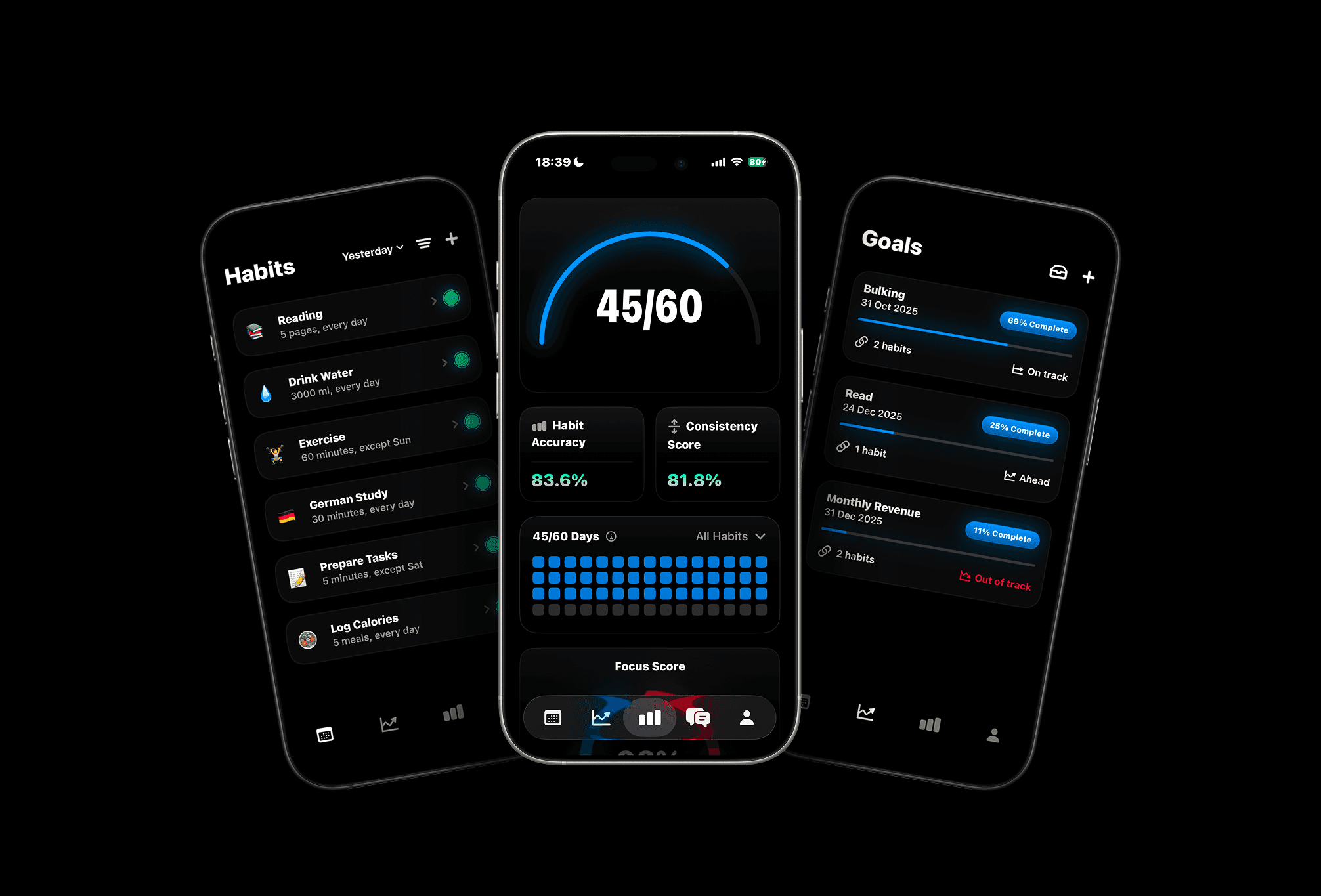
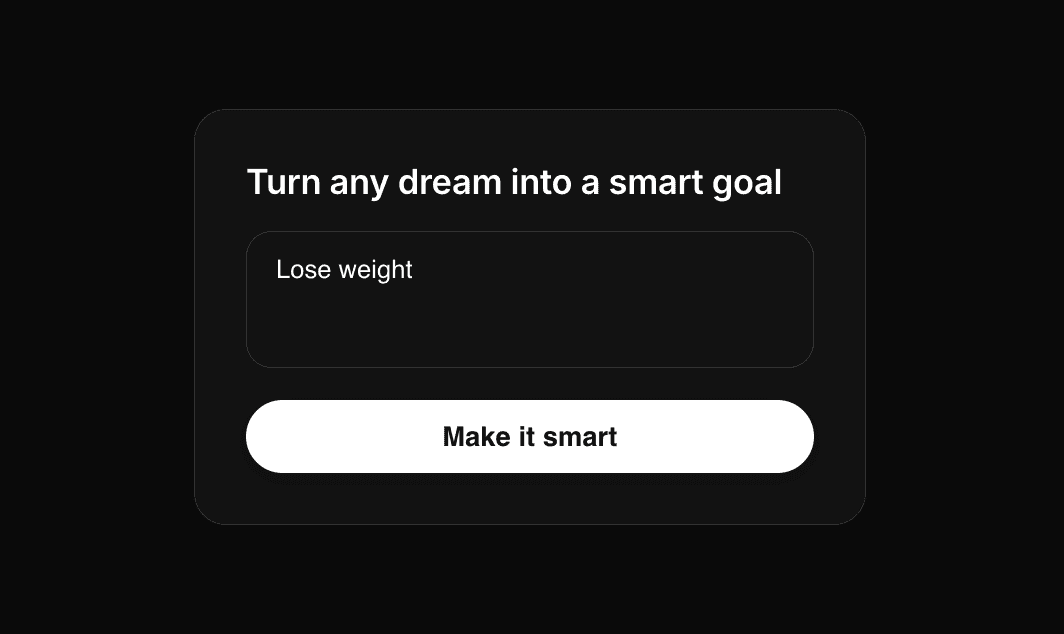

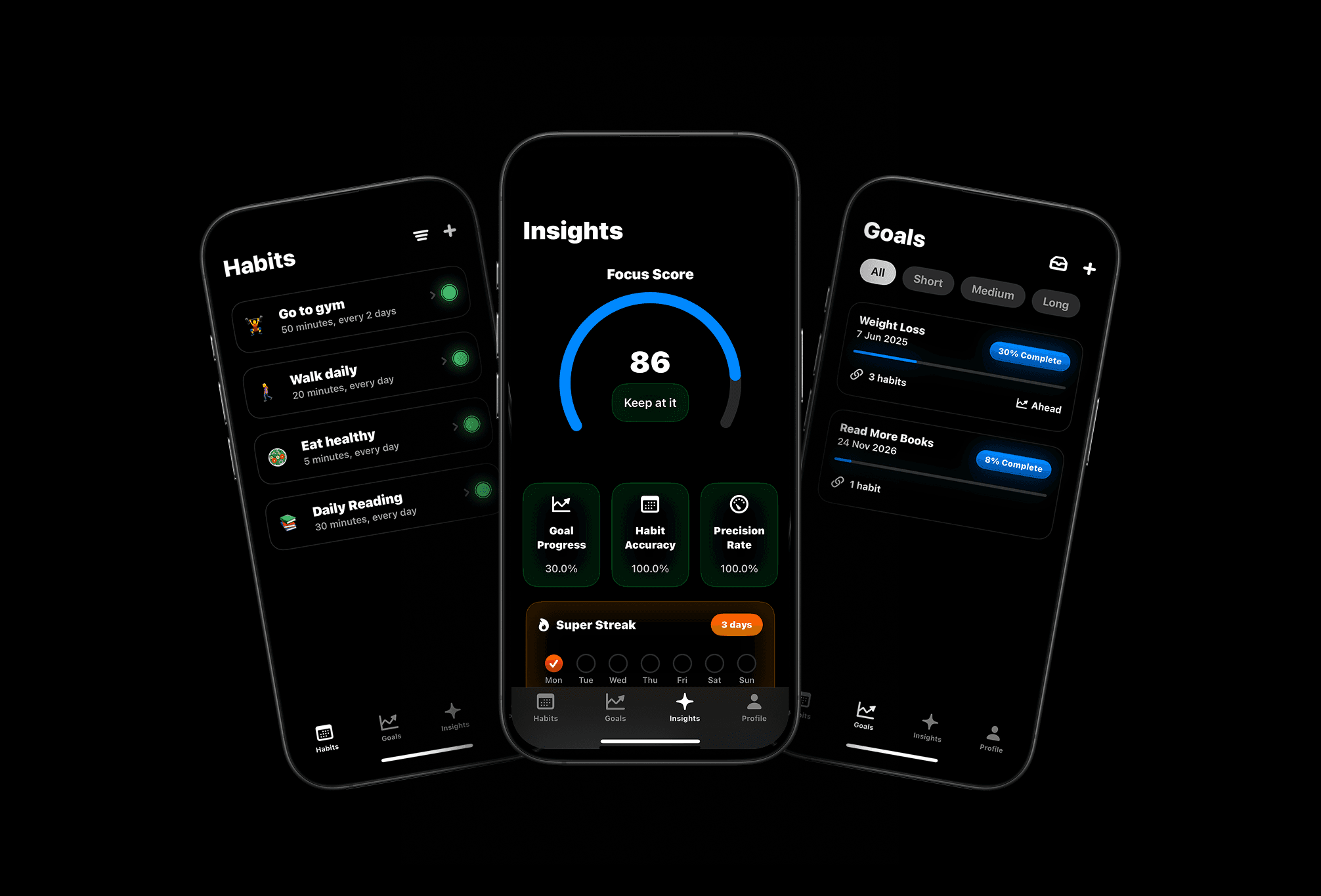
Meet Pattrn: The Habit & Goal Tracker with AI Insights
Set smarter goals, track habits effortlessly, and discover patterns with AI-powered insights.