Habit Tracker Apps For iPad: the best solution we've found
A habit tracker apps for ipad helps you turn habits into a calm weekly system. Here’s a simple structure, prompts, and a clean way to stay consistent.
Published on Feb 18, 2026, by:
Ann Wilson
Writer at Pattrn
5-second-summary
Use a 10-minute weekly reset + daily 2-line check-ins. Keep it simple, track what matters, and review patterns—without streak pressure.
Habit tracker apps for iPad: how to choose one you’ll actually use
Most habit trackers fail on iPad for boring reasons: the app is slow to log, the reminders feel noisy, or the “insights” are just streaks that make you quit. The goal isn’t a perfect dashboard—it’s a habit tracker you can check in on in 20 seconds, every day.
Start with your iPad habit-tracking workflow (not the feature list)
On iPad, your tracking style usually falls into one of these modes. Pick the one that matches your day, then filter apps accordingly.
Quick tap check-ins: you want widgets, big buttons, and minimal friction.
Reflective tracking: you want notes, tags, and a weekly review that surfaces patterns.
If an app is great at the wrong mode, it will still feel wrong.
iPad-specific criteria that matter more than you think
Two habit trackers can look identical on a phone and feel completely different on iPad. Use this checklist when you compare options.
Checklist: evaluate a habit tracker app on iPad in 5 minutes
Logging speed: can you mark a habit done in 1–2 taps?
Widget support: do you get a Home Screen widget that’s actually usable?
Split View friendliness: does it feel good next to Notes / Calendar / Safari?
Notifications: are reminders configurable (time windows, days, snooze) and not spammy?
Flexible schedules: does it support “3x/week” or “weekdays only,” not just daily streaks?
Review quality: do you get weekly insights (what drifted, what stuck) instead of just a streak number?
Common feature traps (and what to choose instead)
When you’re browsing habit tracker apps for iPad, a few features look impressive—but they often make consistency harder.
Trap: “100 habits” dashboards. Choose: 3–8 habits with a weekly reset so you don’t drown.
Trap: streak obsession. Choose: weekly targets (e.g., 4/7) so missing one day doesn’t wreck momentum.
Trap: too many reminder types. Choose: one daily check-in window + one “rescue” reminder.
Trap: graphs everywhere. Choose: a review that answers: What helped? What got in the way? What changes next week?
Which type of iPad habit tracker is best for you?
You’ll usually land in one of these categories. The right choice depends on whether you need motivation, structure, or visibility.
Minimal check-in trackers: best if you just want proof you showed up.
Routine builders: best if your problem is “what do I do next?”
Journaling + reflection trackers: best if you want insight, not pressure.
Gamified trackers: best if rewards genuinely pull you forward (and don’t backfire).
If you’re unsure, start minimal for 2 weeks. You can always add structure later.
Concrete setup: a simple iPad habit system that takes 15 minutes
Here’s a setup that works across most habit tracker apps for iPad—because it’s not dependent on fancy features.
Pick 3 habits that are easy to start (example: 10‑minute walk, 2 cups of water, 5‑minute tidy).
Give each habit a “minimum version” (walk = put shoes on and go outside).
Set a single check-in window (example: 8:30–9:30 PM).
Add one iPad widget so logging is visible (the whole point is to reduce remembering).
Schedule a weekly reset (10 minutes): rename habits, remove one that’s unrealistic, and set the next week’s target.
The 7-day test: how to pick the best habit tracker app for iPad without guessing
Instead of reading 50 reviews, run a small experiment. The best app is the one that produces the most check-ins with the least mental effort.
Day 1: set up 3 habits + one reminder window.
Days 2–4: only do the minimum version; focus on logging friction.
Day 5: add one habit that’s slightly harder; see if the app supports flexible schedules.
Day 6: try Split View while planning (Notes/Calendar next to your tracker).
Day 7: do a 5-minute review. Ask: What drifted? What stayed? What should change?
If you finish the week and still forget to log, it’s not a motivation problem—it’s a visibility + friction problem.
Where Pattrn fits
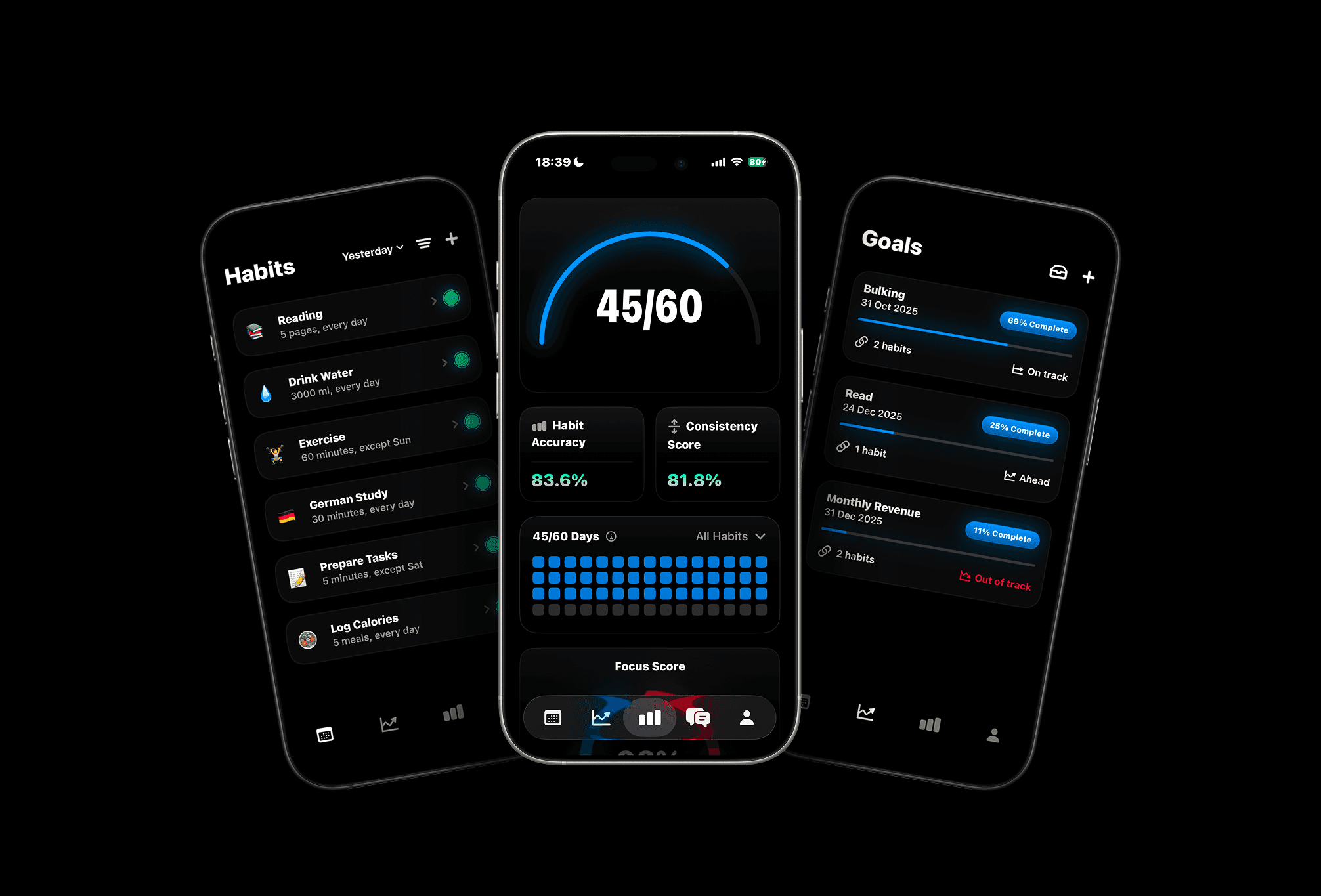
If you like the idea of habit tracking but hate the feeling of streak pressure, Pattrn is built around patterns and reviews—so you can stay consistent without turning your life into a scoreboard.
You can keep logging simple, then use weekly check-ins to see what’s working (and what keeps breaking your plan).
Quick recap
Choose a habit tracker app for iPad based on your workflow (quick taps vs reflection vs routines).
Prioritize iPad basics: widgets, split view, logging speed, and flexible schedules.


Meet Pattrn: The Habit & Goal Tracker with AI Insights
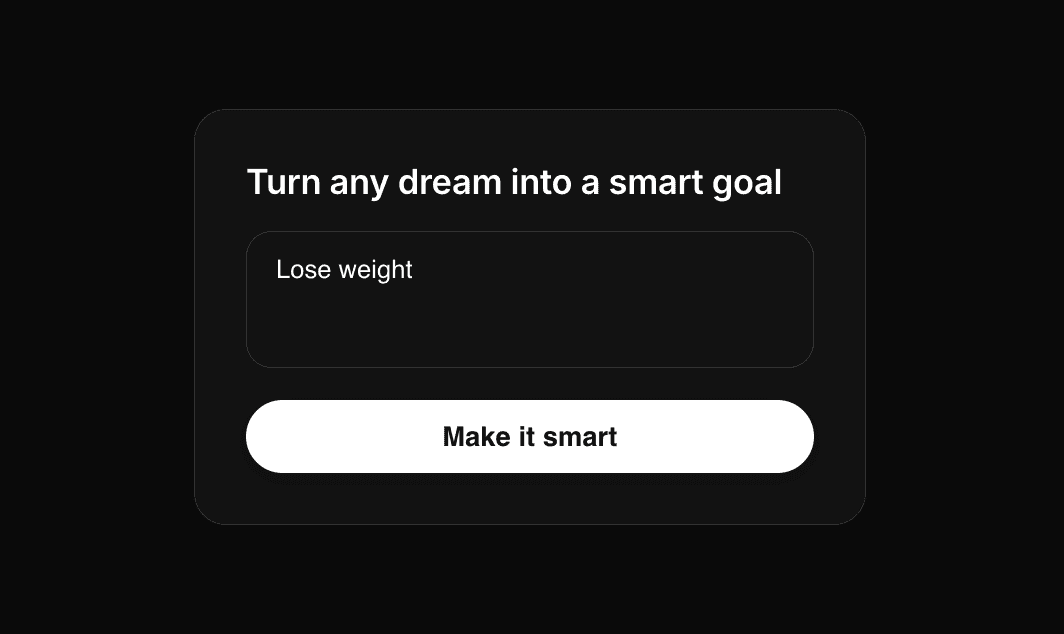
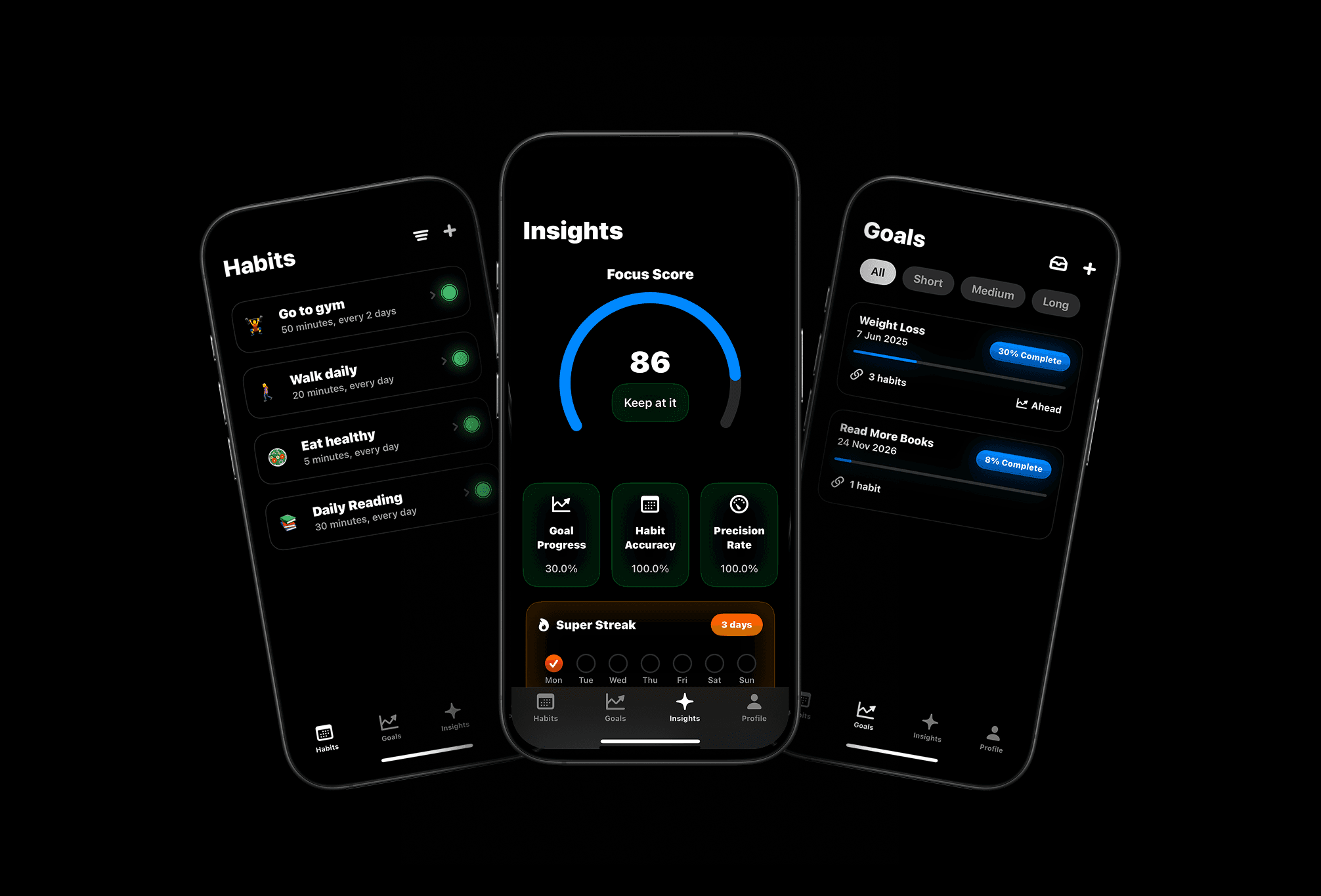
Set smarter goals, track habits effortlessly, and discover patterns with AI-powered insights.