Habit Tracker IOS: a simple system to stay consistent
A habit tracker iOS helps you turn habits into a calm weekly system. Here’s a simple structure, prompts, and a clean way to stay consistent.
Published on Feb 12, 2026, by:
Ann Wilson
Writer at Pattrn
5-second-summary
Use a 10-minute weekly reset + daily 2-line check-ins. Keep it simple, track what matters, and review patterns—without streak pressure.
Introduction
If you’re looking for a habit tracker on iOS, the best one is the one you’ll actually open every day. This guide helps you pick the right style (simple checkmarks vs. routines vs. goals), set it up fast, and stay consistent without turning your habits into homework.
What makes a great iOS habit tracker (feature checklist)
Fast logging (widgets, Siri/Shortcuts, lock screen)
Flexible schedules (weekdays-only, 3x/week, every 2 days)
Smart reminders (nudges that you can snooze, not spam)
Streaks optional (motivation for some people, anxiety for others)
Simple insights (weekly trends, missed-day patterns, best time-of-day)
Pick the right tracking style
Most habit trackers fall into three buckets. Choose the one that matches your personality — not the one that looks best in screenshots.
Checkmarks: best for 1–8 simple habits (water, walk, stretch).
Routines: best if habits need order (morning / night sequences).
Goals + reflection: best if you want ‘why’ + notes (mood, triggers, context).
A 5-minute setup that actually sticks
If you do nothing else, do this. It’s the fastest path to consistency.
Start with 3 habits max.
Make them tiny (2 minutes or less).
Tie each habit to a trigger: after coffee, after shower, before bed.
Turn on one reminder per habit (at the trigger time).
Add a widget so logging takes 2 taps.
The weekly review (10 minutes)
Daily tracking is helpful, but the weekly review is what keeps the system alive. Put it on your calendar.
What worked? (which days were easiest)
What slipped? (which habit, which trigger)
One change for next week (time, trigger, smaller version).
Common mistakes (and quick fixes)
Too many habits → cut back to 3 for two weeks.
All-or-nothing streak mindset → track ‘minimum version’ days as a win.
Reminders ignored → move them to the real trigger (not an aspirational time).
Tracking without direction → add one sentence per week about what you’re optimizing for.
A simple way to make habits feel like a game (without the cringe)
If you’re the type who gets bored easily, add light structure: levels, weekly quests, and small rewards. The key is to keep the system simple so it doesn’t become another project.
Where Pattrn fits
If you want a habit tracker that feels more like an RPG than a spreadsheet, Pattrn is an iOS app built around a simple loop: pick a focus, complete small daily actions, and review your progress weekly. It’s especially good when you want motivation without obsessing over streaks.
A good workflow is: track 3 habits daily, then do a 10-minute weekly reset where you adjust difficulty, swap one habit, and set a small ‘quest’ for the week.
FAQ
Do I need to track every day? No. If daily feels heavy, try 3x/week habits and focus on consistency over perfection.
Are streaks necessary? Only if they motivate you. For many people, streaks create stress — in that case, track ‘minimum version’ days instead.
Bottom line
Pick an iOS habit tracker that’s fast to log, flexible with schedules, and doesn’t guilt-trip you. Start small, review weekly, and you’ll get the benefits without the burnout.

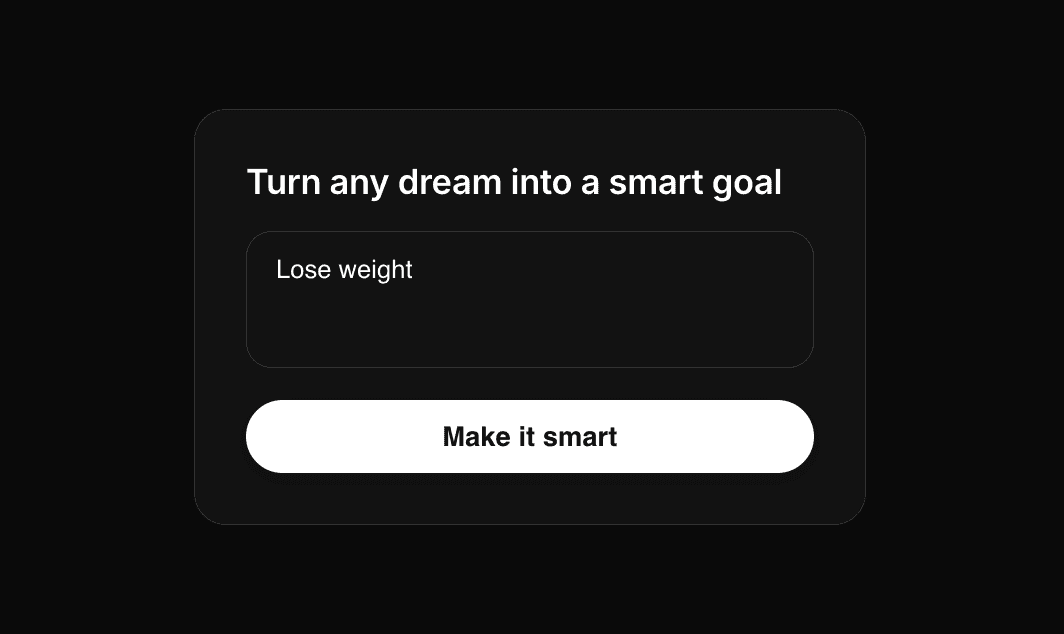

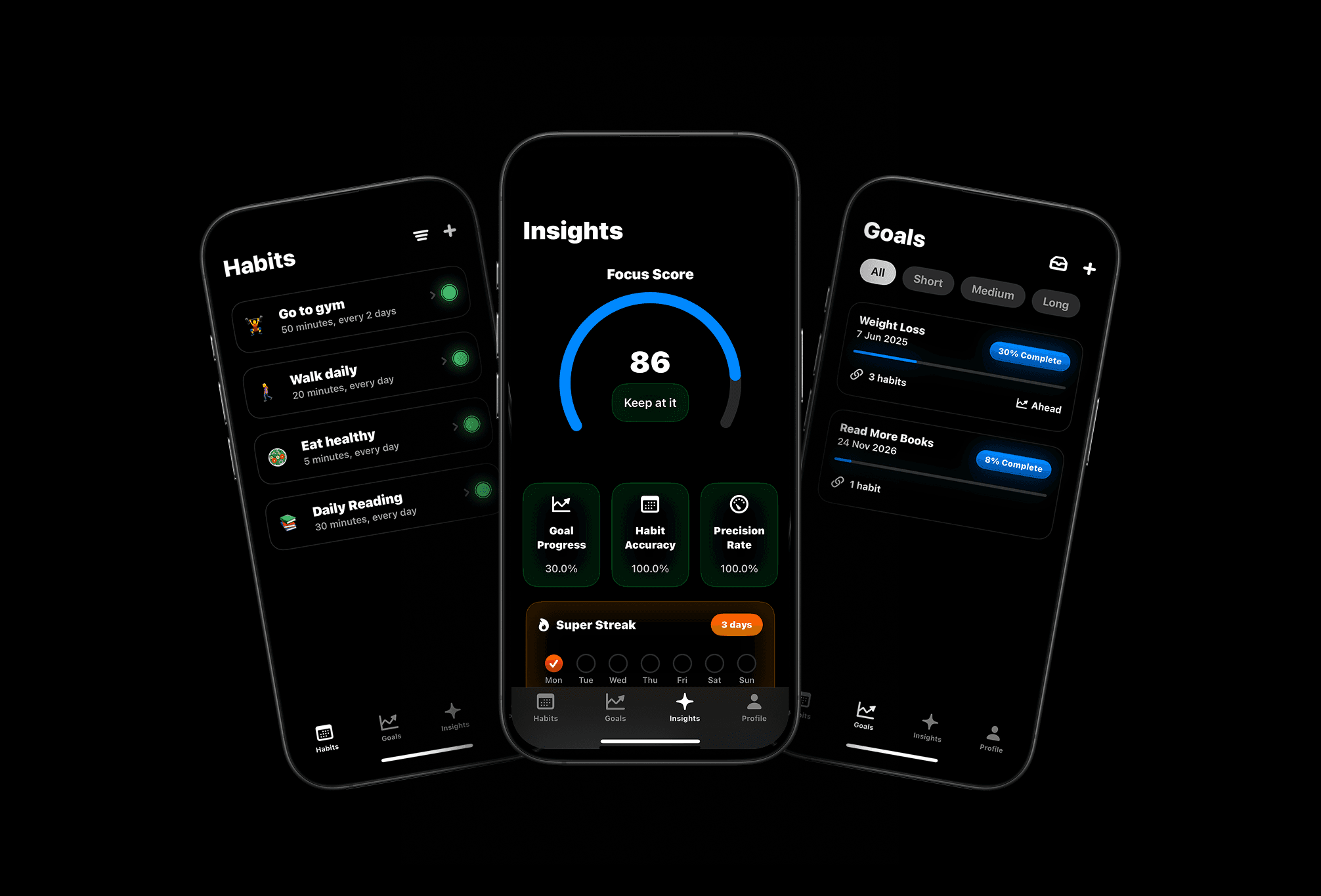
Meet Pattrn: The Habit & Goal Tracker with AI Insights
Set smarter goals, track habits effortlessly, and discover patterns with AI-powered insights.